
How to Redeem Incredible Blox Codes
Join, wait for the mixer to load, then paste a case-sensitive string if a gift box ever ships.
Incredible Blox does not currently expose a public code box. This page is the redeem playbook we will follow the moment specil studios Deluxe (contact: blocco) ships one. Use it with the Codes Hub so you are not guessing UI that does not exist yet.
Before you paste anything
Confirm you are in the real experience: Incredible Blox / IncrediBlox, Roblox place 125790795579287, universe 6983536246, by specil studios Deluxe. Clone places and third-party redeem websites are not the game. The official links page lists the canonical URL.
You can redeem from PC, mobile, console, or VR if a box ships — the experience supports all four. Servers hold up to 50 players and mixes support up to eight mixers, but codes in every other Roblox title are per-account, not per-server. One successful redeem on your user is enough; hopping servers will not multiply a one-time gift.
If you only wanted extra dummy rows or instant instrument starts, that is still a Robux purchase on gamepasses, not a string. User Instruments (150 Robux), VIP / DJ (200 Robux), and Set Cursor Image (85 Robux) already cover the paid mixer tools.
Step-by-step when a box exists
- Join the live place. Open Incredible Blox from Roblox, not from a search ad that wraps the name.
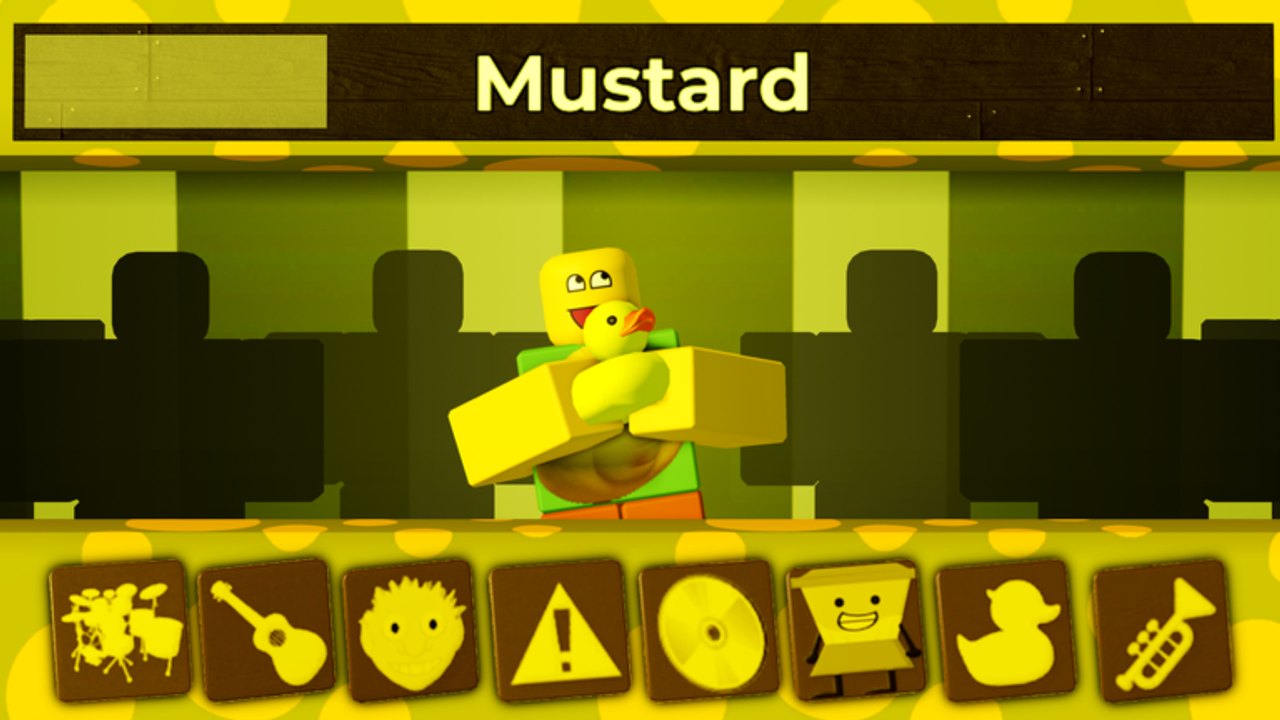
- Wait for load. Dummy rows, instrument icons, and the active mod (Kats, Mustard Colorbox, Deadline, Somniphobia, or whatever the server last picked) need to finish replicating. Redeeming during the loading overlay is how other games return Invalid on a good code.
- Find Shop, Settings, or a gift icon. Music sandboxes usually hide a text field behind a ticket, gift box, or leftover social button. Check the shop that already sells the three gamepasses. Check the pause/settings gear. Check the top bar near any VIP badge. We will screenshot the exact button here when it exists.
- Paste case-sensitive text. Do not retype from memory.
Bloxandbloxare different. Leading spaces, Discord markdown backticks, and a trailing newline from mobile copy all fail. Paste once, look at the field, then submit. - Read the response. Success should spawn a toast, a dummy-row unlock, or a cosmetic. Invalid means typo, expired, or a fake string. Already redeemed means this account used it. Expired means the window closed — check the expired archive.
- Rejoin only if the UI froze. A hung shop is a Roblox UI bug, not a reason to spam the same code forty times.
New mixers who are still learning pads should finish getting started and controls before they even look for a gift icon. A code will not teach you how to stack a mix.
Troubleshooting
Nothing happens when I submit. The box may not exist yet. As of September 2026 we have no confirmed field. You are looking at the gamepass shop. Stop and watch Discord.
The code came from a video posted today. Cross-check this wiki and Specil Studios Severe. Thumbnail channels recycle simulator codes with the Incredible Blox name swapped in. If the Codes Hub has not listed it, assume it is dead or fake.
I am on mobile and the keyboard covers the field. Rotate to landscape, paste from the clipboard bar, then collapse the keyboard before tapping Redeem. Console players should use the on-screen keyboard carefully; a random extra character will invalidate the string.
VR paste is painful. If a code ever matters on VR, redeem on PC or mobile first with the same Roblox account, then hop back. Codes attach to the user, not the headset.
I was asked to log into a website. That is not redeeming. Close it. Incredible Blox codes, if they appear, are entered inside the Roblox client.
The reward looks like a script. Codes do not install Anti-AFK or FPS boosters. Those are executor loadstrings with Terms of Use risk. A code would be a gift inside the experience.
What we will publish next to a live code
When a string is real, the Codes Hub will show the exact characters, the reward in plain language, a first-seen date, and any platform notes (some Roblox codes are web-only; we will say so). We still will not list leaks, datamined leftovers, or try-these-twenty-combos charts. Mixers already have how to play and a mod roster. A fake table helps none of that.
If you think you found a working string, drop it in Discord where staff can see it, then ping this wiki after it works on a clean account. Failures belong on expired Incredible Blox codes so the next person does not sit in the shop for ten minutes.
Keep the Roblox window focused, paste once, and treat every extra character as a failed redeem. That habit will matter the day blocco actually ships a box — and it will save you from the fake lists until then.
Frequently Asked Questions
Quick answers to the most common Incredible Blox questions.
Where is the Incredible Blox code box?
There is no confirmed gift field as of September 2026. Check Shop, Settings, and any ticket icon only after the Codes Hub lists a live string.
Are codes case-sensitive?
Assume yes. Paste the exact characters, with no Discord backticks and no extra spaces, then submit once.
Can I redeem on mobile or console?
If a box ships, any platform the experience supports (PC, mobile, console, VR) should work on the same account. VR players may find it easier to paste on PC first.
Why does Invalid appear?
Typo, extra whitespace, a fake thumbnail string, or an expired code. Also happens if you submit while the mixer is still loading.
Do I redeem codes in Roblox chat?
No. Chat is not a redeem box. Never paste gift strings or script loadstrings into chat.
Where do official codes get announced?
Watch Specil Studios Severe Discord and the official Roblox page before you trust a random video.