
Incredible Blox Tools Hub
Mix planners and pad-layout helpers — rehearsal pages, not executables or injectors.
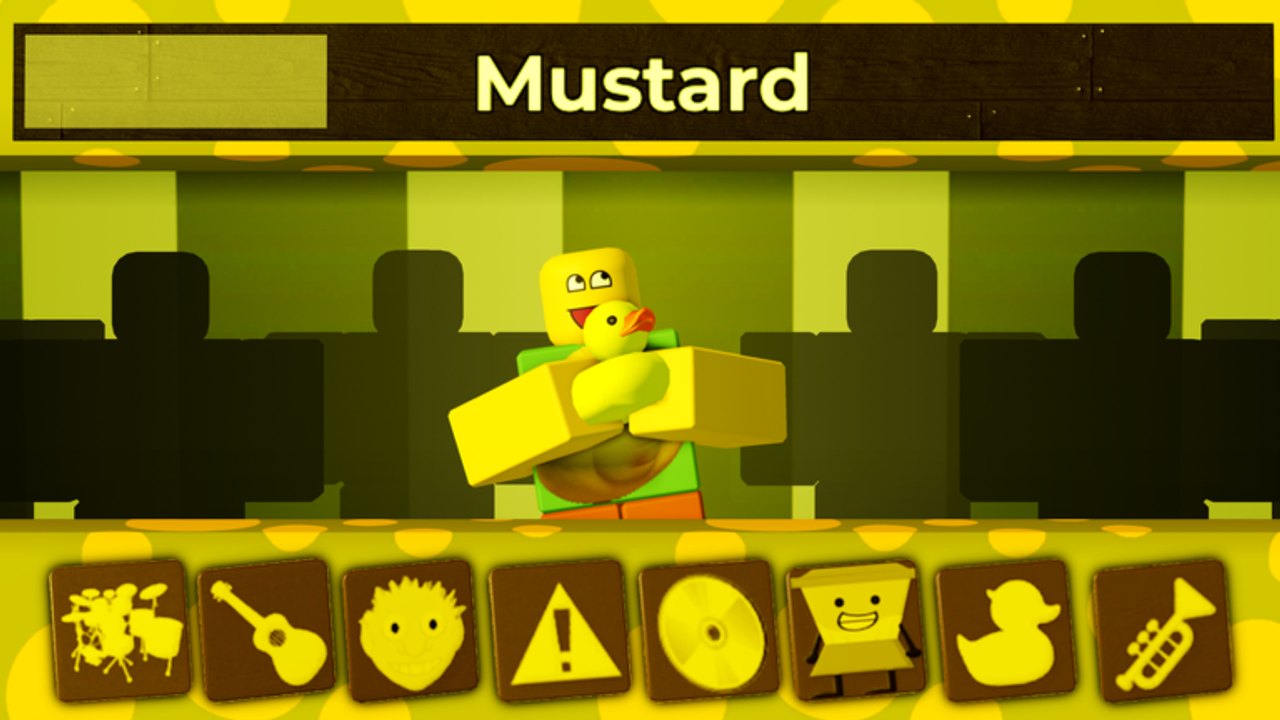
These tools are practical mix helpers, not software you download, inject, or install. Incredible Blox already is the instrument: you drag pads onto dummy rows inside a Roblox lobby. This hub exists so you stop dumping every icon onto the first dummy and calling it a song. Use the mix planner for a layering recipe, the pad layout for one-row versus four-row arrangement, controls for mouse / touch / gamepad, and how to play if you still need the loop itself explained.
If you arrived looking for a .exe, a script hub, or an auto-mixer, you are in the wrong category. Scripts live under scripts with their own warnings. Codes live under codes. Everything here is a paper plan you can screenshot and rebuild with friends.
What a mix helper is for
Incredible Blox is an eight-player Incredibox fangame. Free mixers get a thin dummy strip. VIP / DJ (200 Robux) opens four dummy rows so you can run drums, bass, melody, and a chaos vocal on separate layers. That extra surface is a gift and a trap. Four identical snares do not become a chorus because they occupy four rows. The mix planner exists to assign roles before you assign icons.
Pad geometry matters as much as taste. Mobile thumbs cannot reach a far-right VIP row as fast as a mouse can. A mute-able chaos row saves sessions when someone drops a scream pad over a quiet Mustard mix. The pad layout page is the seating chart; the planner is the setlist.
Pair these pages with the rest of the wiki
- New to the lobby? Start with how to play and controls, then come back here before your second mix.
- Choosing a palette? Horror rooms (Deadline, Somniphobia) and cute rooms (Mustard, Kats) need different density. Rank sets on the tier list after you have a plan, not before.
- Hunting bonus combinations? A planner that leaves one empty slot is how you stumble into secret songs instead of walling them off with four vocal gags.
- Playing with seven other people? Assign rows in pad layout so two mixers are not fighting for the same kick.
A five-minute rehearsal before you join
- Pick the palette (cute, retro, horror, neon gag).
- Decide whether you have one dummy row or four.
- Lock drums first, then bass, then melody, then one vocal gag — the mix planner spells that order out.
- Park experiments on a mute-able chaos row so you can yank them without collapsing the groove.
- Only then drag icons. If the mix is already loud at three pads, you do not need the other twenty.
That rehearsal is the entire point of this hub. Incredible Blox sessions average a short visit; a plan you can rebuild in thirty seconds beats a masterpiece you cannot mute when a friend joins.
Use these pages as rehearsal, then let the eight-player lobby be the stage. No download, no overlay, no extra app — just a seating chart and a layering recipe you can shout over Roblox chat.
Frequently Asked Questions
Quick answers to the most common Incredible Blox questions.
Are these Incredible Blox tools downloads?
No. They are planning pages: mix recipes and pad seating charts. Nothing here is an executable, overlay, or injector.
Which tool should I open first?
If you keep stacking four identical roles, open the mix planner. If VIP rows or mobile reach feel messy, open pad layout.
Do I need VIP to use these helpers?
No. One-row plans are written for free mixers. Four-row notes only apply if you own VIP / DJ. See pad layout and gamepasses.
Where are actual keybinds?
On controls. This hub does not replace input maps; it tells you which pads deserve those inputs.
Can I use these plans in an eight-player lobby?
Yes. Assign one role per mixer, leave a chaos row, and keep how to play handy for anyone who has never dragged a pad.