
Incredible Blox Multiplayer Guide
Eight mixers, visible cursors, VIP instant-start manners, and the rule that you do not wipe someone else's row.
Incredible Blox is online co-op, not a silent single-player DAW that happens to have a player list. Up to eight people can mix on the same dummies. Cursors are visible. Instant-start instruments, extra dummy rows, and user-styled outfits all show up in the same room. That is the fun. It is also how a kick disappears because someone thought your dummy was free.
If your pointer cannot grab icons yet, fix that in the controls guide before you host. An eight-player lobby is a bad place to learn drag-and-drop.
Eight mixers, not fifty producers
The Roblox server can hold more people than the mix can. The musical seat count is eight. Past three active mixers you need a plan. Past six you need assigned rows. At eight, someone has to be the person who does not drop a vocal.
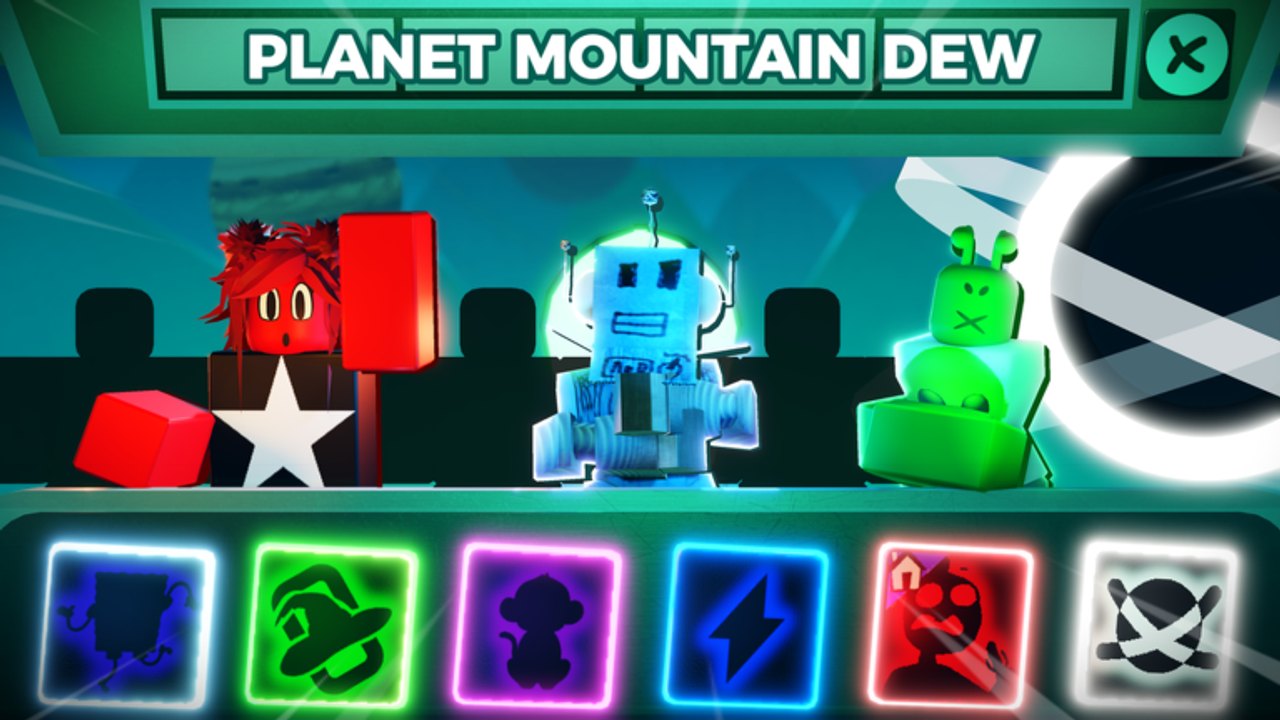
Host in a private or friends setup when you care about the recording. Public rooms are fine for chaos Kats loops and Mountain Dew neon piles, not for a quiet cinematic.
Join, wait for the current mod to stream, then look at the dummies before you touch the tray. If a row is already speaking, it belongs to whoever built it until they say otherwise.
What everyone can see
Cursors are part of the mix. You will see other players hover, drag, and abort. They will see you. That visibility is how you cooperate without voice. It is also how you get blamed.
Set Cursor Image (85 Robux) does not make you a better mixer. It makes your pointer identifiable when seven other arrows overlap a dummy. Details sit on the gamepasses page with the rest of the Robux list.
User Instruments (150 Robux) changes dummy outfits and user-styled instrument looks. In a lobby that is a name tag: friends recognize your choir dummy. Ask before you restyle a dummy that is already performing.
VIP instant-start in a shared room
VIP / DJ (200 Robux) expands dummy rows up to four and unlocks instant-start instruments. Instant-start is loud manners. A part that speaks immediately sits on top of a loop other people were still balancing. Use it when the host asked for a fill now, not to audition five leads while someone else solos the kick.
Extra rows are a gift if the lobby assigns them. A simple split that actually works:
- Row 1 — beats and percussion (the timekeepers)
- Row 2 — bass and mid hooks
- Row 3 — vocals and chorus
- Row 4 — wild cards, effects, joke pads
If nobody owns VIP, you share the default rows gently. Instant-start and four-row layouts are not required for co-op. They just raise the number of ways to collide.
Etiquette that keeps the loop alive
Do not wipe someone else’s row. That is the whole social contract. Hover, look at the cursor that got there first, and pick a free dummy. If you need that stem gone, ask in chat. If chat is silent, mute it for a bar. Mute is reversible. Remove is a fight.
Other rules that prevent rage-quits:
- Call the mod before you switch it. Switching Mustard to Deadline mid-loop is a jumpscare you did not earn.
- One person solos at a time. Two solos is silence plus confusion.
- Joke pads belong on the wild-card row, not on the kick.
- If you did not drop it, you do not restyle it with User Instruments.
- Leave a dying mix by removing your dummies, not the whole stage.
When two people grab the same vocal, the later cursor yields. Rebuild on a free dummy. Racing the same icon until the dummy flickers is not a solo.
Hosting, joining, and recovering a wreck
Host: pick a chill mod for the first five minutes even if the group wanted Terrors. Let everyone land a pad, then vote. Kats playthrough energy — readable icons, room to clown — is a better lobby teacher than a horror cinematic you cannot undo.
Join: spawn, find your cursor, find an empty dummy, drop one beat-family icon or nothing. Listen. The people already mixing will tell you, with their cursors, where not to stand.
When the mix falls apart, mute the densest row before you reset. If a song appears, you found the problem. Remove only the dummies you own. A surprise wipe is how eight-player Incredible Blox earns its reputation for chaos.
After the session
Take the clip, name the mod, and move useful notes to Discord. Do not turn a lobby fight into a fake secret combo. If the group wants a quieter hunt next time, schedule two players on VIP rows instead of an eight-player public pile.
Assign roles before the first icon moves on your next host: one beat keeper, one melody, one vocal, one VIP-row wild card if the pass is in the room, everyone else on mute duty. The mix will still get silly. It will get silly on time, which is the only multiplayer skill Incredible Blox actually grades.
Frequently Asked Questions
Quick answers to the most common Incredible Blox questions.
How many people can mix together?
Up to eight mixers. The Roblox server may show more players; the musical seat count is eight.
Can other people see my cursor?
Yes. Visible cursors are how the lobby cooperates. Set Cursor Image only makes your pointer easier to recognize.
Is VIP / DJ required for multiplayer?
No. Co-op works on default rows. VIP adds up to four dummy rows and instant-start instruments, which need extra manners, not extra buttons.
What is the number one lobby rule?
Do not wipe a row you did not build. Mute to test. Ask in chat to remove. Yield if two cursors grab the same dummy.
Do User Instruments outfits change the sound?
They change how dummies look. Ask before restyling a dummy someone else is using. Sound still comes from the icon you dropped.
Where should a group talk after a session?
Use Discord for lasting notes. Use the gamepasses page if the group is deciding who buys VIP or a cursor.