
Incredible Blox FPS Booster Script
Universal keyless FPS relief for horror mods and stacked dummy rows — try native graphics first.
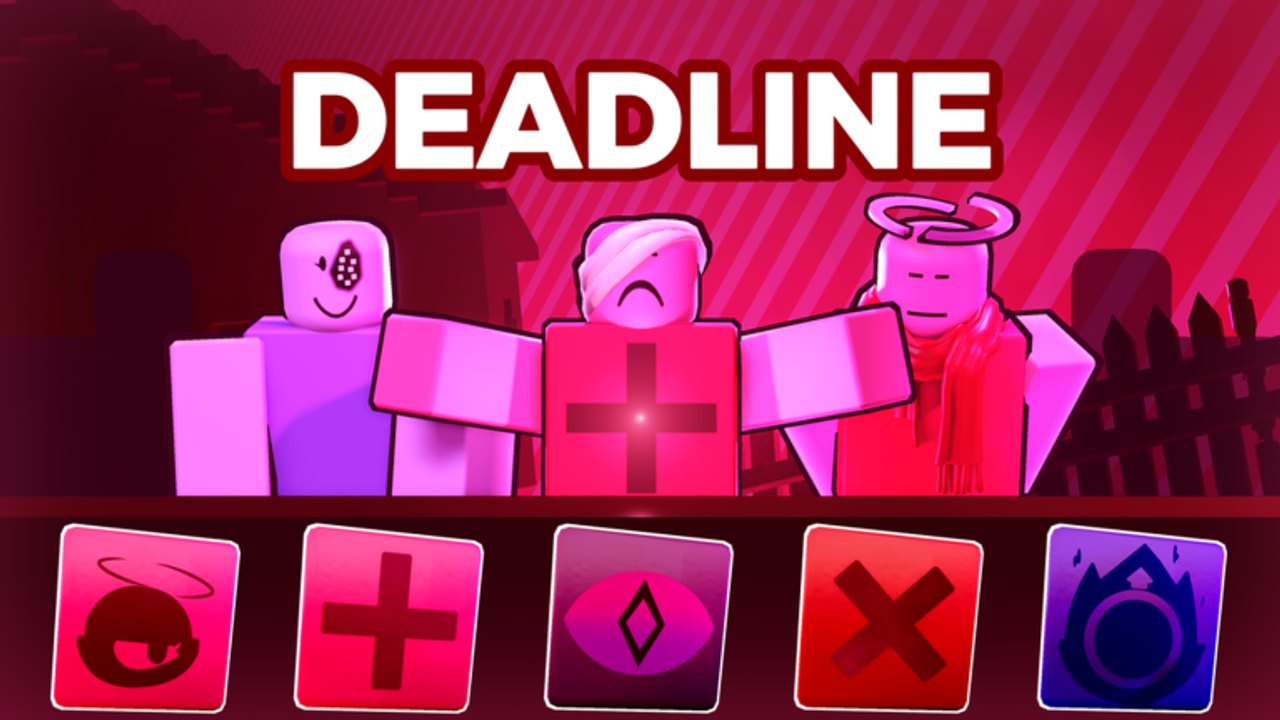
Incredible Blox looks light until it does not. One dummy row of Mustard Colorbox on a desktop is easy. Four VIP rows of Deadline, Terrors, Somniphobia, or Zombie, with eight mixers dropping icons at once in a 50-player server, is a particle storm. Mobile and low-end PCs stutter; VR users feel every dropped frame. Mixers then search for an FPS script because the pads stop lining up with their hands.
The loadstring below is a universal FPS booster. It is not an Incredible Blox-only optimizer, and we have not found a dedicated exploit menu for this fangame. Typical boosters disable extra lighting, cut textures, or cap background rendering. They can make horror mods look flatter and they can hide the joke in a bright pack like Planet Mountain Dew. That is the trade.
Injecting still breaks Roblox Terms of Use. Use an alt. Do not attach to the account that holds gamepasses. Follow how to execute and never paste this into chat.
The loadstring
Keyless. Run it after the current mod’s dummy rows exist so the script is not racing the load.
loadstring(game:HttpGet("https://rawscripts.net/raw/Universal-Script-FPS-booster-243873"))()If the file 404s or your executor blocks HttpGet, stop. A booster that also asks you to disable your antivirus is not an FPS tool.
Try official graphics settings first
Most mixers never need the script:
- Open the Roblox escape menu and drop Graphics Quality until dummy animation is smooth.
- Use full screen on PC. Windowed mode plus a browser plus Discord will tank a laptop faster than Kats ever will.
- Close other 3D apps. One overlay recorder has more cost than a pad icon.
- On mobile, kill background apps and avoid heat-throttle by taking the case off during a long session.
- Stack fewer dummy rows. Free players already have the default rows; VIP / DJ adds four dummy rows and more on-screen dancers. If you bought the pass, you can still choose not to fill every row during Deadline.
- Swap off the heaviest mods when you are learning controls. Cool As Ice or a simpler pack is a better tutorial FPS-wise than Somniphobia.
Console and VR cannot attach typical PC executors. Those platforms only get the native quality slider. If VR stutters, lower quality and reduce dummy count; do not hunt a headset injector.
When a booster actually helps
- Horror palettes with extra post-processing (Deadline, Terrors, Somniphobia).
- Community packs that spawn more moving sprites than the default Incredibox-style rows.
- Full multiplayer rooms where eight people animate at once.
- Recording a take while the client also encodes video.
If your FPS is fine on Mustard Colorbox and only dies on one mod, the booster is a blunt instrument. Switching mods is the surgical fix. The mods tier list and VIP mods pages are about taste and layout, but they also hint which packs are visually heavier.
Side effects
Boosters sometimes strip bloom that a pack uses as a cue. If a secret-song hint was a color flash, you might miss it — keep secret songs notes nearby. They can also hide cursor cosmetics from Set Cursor Image, which is awkward in multiplayer if you paid 85 Robux to be visible.
If drag-and-drop latency gets worse after the script, you lowered frames in the UI thread or broke input. Rejoin clean. Combine this with Anti-AFK only if you need both; stacking universal scripts increases the chance one of them errors on a nil object.
What we will not promise
A booster will not raise a phone to desktop smoothness. It will not fix Wi-Fi. It will not unlock VIP rows. It will not make Incredible 770 or Dip Out 2 download faster. Place 125790795579287 still has to stream the mod you picked.
specil studios Deluxe can also ship their own performance pass in a patch. If an official setting appears, prefer it. This wiki is unofficial and the script is a last resort, not a badge.
If you came from the scripts hub looking for a 200 FPS miracle, start with the quality slider, empty a dummy row, and only then attach the keyless line on a throwaway account. Smooth pads matter because mixing is timing — but a banned VIP account is a very expensive way to chase ten extra frames during a Zombie drop.
Frequently Asked Questions
Quick answers to the most common Incredible Blox questions.
Do I need an FPS script to play Incredible Blox?
No. Drop Roblox graphics quality, reduce dummy rows, and swap off heavy horror mods first. The script is optional and against ToS.
Which mods hit FPS the hardest?
Horror-leaning packs such as Deadline, Terrors, Somniphobia, and Zombie, plus any lobby that fills VIP dummy rows with eight mixers. See the mod roster.
Can console or VR run this booster?
Typical PC executors do not attach there. Use the native quality slider only. How to execute is a PC attach guide.
Is the FPS booster keyless?
The loadstring on this page is documented as keyless. A survey, Discord token, or login page means you have the wrong file.
Can I run FPS booster and Anti-AFK together?
You can try, but stacking universals increases errors. If the mixer UI breaks, rejoin and run only the one you actually need. Anti-AFK notes are on the Anti-AFK page.
Will this get my account banned?
It can. Injected scripts violate Roblox Terms of Use. Keep paid gamepasses off any account you attach an executor to.