
Incredible Blox Guides Hub
First mix, pad controls, secret songs, and eight-player sessions — each with its own page.
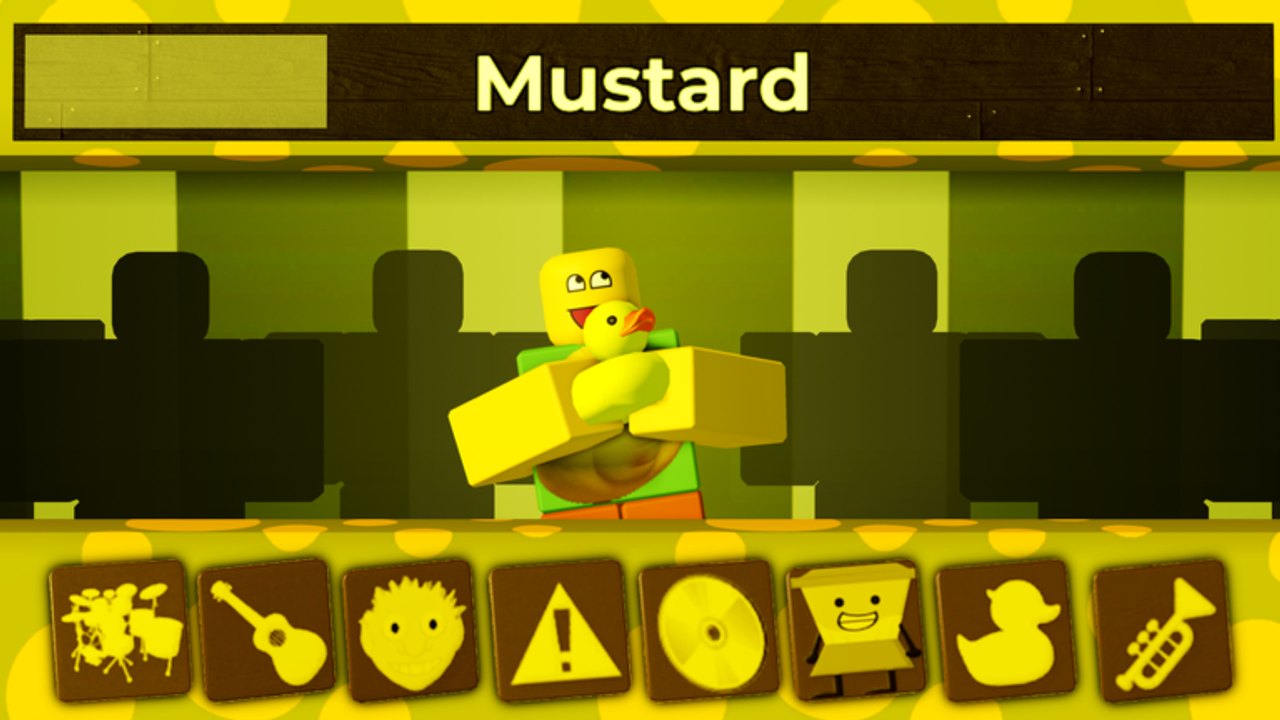
Incredible Blox is a live Roblox music sandbox: drag instrument icons onto dancing dummies, stack stems into a loop, and share the result with up to eight mixers. This Guides Hub is the map for that loop. It does not replace in-game credits or the original Incredibox composers. It tells you which wiki page to open before you waste a session on a horror mod, a locked VIP row, or a cinematic that never fires.
First hour on the pads
New mixers should start with Incredible Blox getting started. That page covers the join flow on PC, mobile, console, and VR, why Mustard Colorbox and Kats are kinder first mods than 1996 or Deadline, and how to stop after two or three pads instead of flooding every dummy.
Once a beat and a melody can sit together, read how to play Incredible Blox. The loop is choose a mod, drag icons, layer beats, effects, melodies, and vocals, then mute or solo while you hunt a bonus. Pair it with the controls reference so mouse drag-drop, touch, gamepad, and VR all map to the same dummy actions.
Layout and mix craft
Empty pads sound thin. Full pads sound muddy. Sketch drums versus chorus on the pad layout tool before you drop icons in a live lobby. When you already know the vibe — mustard-yellow bounce, mountain-dew neon, or a somber 1996 stack — the mix planner keeps a short plan on paper so eight people do not improvise into noise.
Neither tool writes the song. They stop a four-row VIP mix from becoming four copies of the same snare.
Mods, VIP variants, and secret songs
The roster rotates through Kats, Mustard Colorbox, Sprunked, 1996, Deadline, Orin Ayo, Yubin Niiku 2, Next, Somniphobia, Planet Mountain Dew, Cool As Ice, Fiddlebop, Pibble Mayhem, Terrors, Zombie, Incredible 770, Dip Out, and VIP variants of several of those. The all mods list is the roster index. Open it when a friend says “load Deadline” and you need to know whether that is a horror set or a joke title.
Community videos document bonus mixes and at least one credits-style secret song. Triggers are not identical on every mod, so this wiki will not invent a fake button sequence. The secret songs guide explains the honest hunt: fill every slot, watch for a cinematic, try VIP variants, and confirm rumors on Discord instead of chasing a code that does not exist.
Eight mixers in one room
Online co-op supports up to eight mixers. Cursors are visible. VIP / DJ (200 Robux) expands dummy rows up to four and adds instant-start instruments. User Instruments (150 Robux) changes how dummies can look. Set Cursor Image (85 Robux) makes your pointer readable in a crowded lobby. None of that is required to play. All of it gets messy if someone clears a row that is not theirs.
Read the multiplayer guide before you host. It covers etiquette, instant-start manners, and how to recover when two people grab the same vocal pad.
Horror rooms and other devices
If the lobby votes for 1996, Deadline, Somniphobia, or Terrors, read horror mods before you raise volume. Mute first, mix second, and pick a cute pack when the scare is the only thing you hear.
If you mix on a phone, a gamepad, or a headset, mobile, console, and VR covers touch drag, fat-finger mute, and why VIP extra rows are harder on a small screen. The controls reference still holds the binding tables; that device page is the layout and manners layer.
How to use this hub
Work top to bottom only if you have never launched place 125790795579287. If you already mix, skip to the page that matches the problem: controls when an icon will not drop, secret songs when a cinematic refuses to play, multiplayer when a friend wipes your drums, horror mods when a jumpscare is louder than the kick. Then return here and pick a second page. The seven guides plus the two mix tools are written to point at each other, not to repeat the same closing speech.
Finish one mix tonight, then open the single guide that names the thing that broke. If this hub still feels like a menu, you are done with it — the useful pages are the ones with dummy rows, not this index.
Frequently Asked Questions
Quick answers to the most common Incredible Blox questions.
Where should a brand-new mixer start?
Open getting started, load Mustard or Kats, then continue with how to play and controls.
Do I need VIP / DJ to follow these guides?
No. Default dummy rows are enough for a first loop. VIP / DJ adds up to four rows and instant-start instruments; read that only after the basic loop clicks.
Are there working Incredible Blox promo codes?
No public list is confirmed. The codes hub is where we would publish one if specil studios Deluxe shipped a redeemable code.
Which guide covers secret cinematics?
The secret songs page. It stays honest about triggers that still vary by mod.
Can friends mix in the same server?
Yes. Online sessions support up to eight mixers. Use the multiplayer guide before you host.
How is this hub different from How to Play?
This page is a map. How to play is the core loop itself: choose a mod, drag icons, layer parts, then mute and solo.